
What VINELink Covers in Lafayette County
Every Wisconsin county runs on VINE County Jails/VINELink under official state guidance. The Wisconsin DOC's Office of Victim Services and Programs manages it statewide. It works with local agencies. Lafayette County's Sheriff and District Attorney pages both steer visitors toward VINE. That matters here. Lafayette County has no public inmate roster. VINE is the county's main online route for custody questions after an arrest.
The service reports custody status and configured status changes for a person you identify. It won't list every arrest within a set window. County-jail and DOC supervision records can appear separately. The system may not link them as one person. Pick the right county, agency, and record each time. The Wisconsin DOC VINE resource covers the statewide web and phone options.
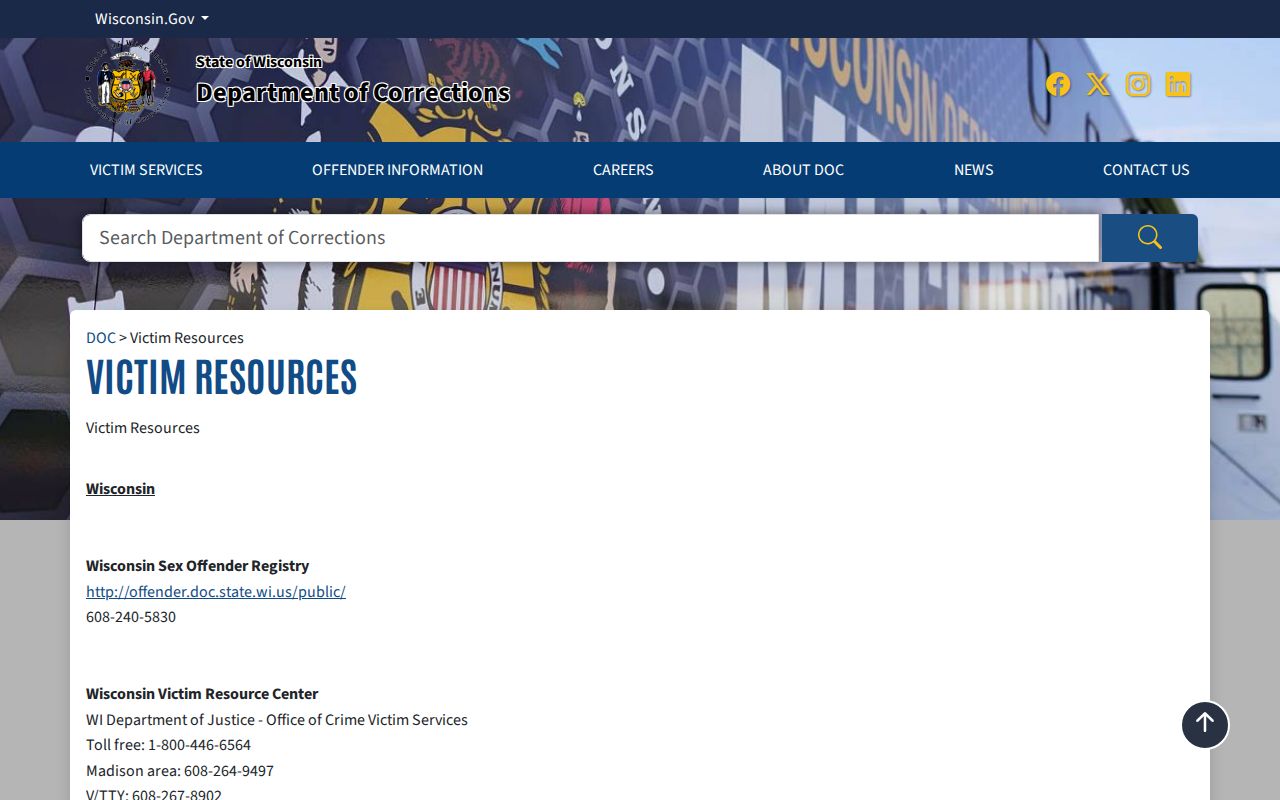
The official VINE page shows a notification service, not a commercial arrest list.
How to Check a Lafayette County Arrest on VINELink
Search with enough detail to separate people who have similar names.
- Open VINELink and choose Wisconsin.
- Select the county-jail service and Lafayette County when the interface requests a location.
- Enter the available name or identifying field. Avoid guessing when several matches appear.
- Open the matching custody record and note the facility, status, identifier, and check time.
- When county and DOC records both appear, review each rather than assuming they are duplicates.
- Call Lafayette County Jail at 608-776-4870 when a fresh arrest is missing or identity remains uncertain.
The VINELink map and search entry opens on a neutral state-selection screen, so no person's data is exposed.
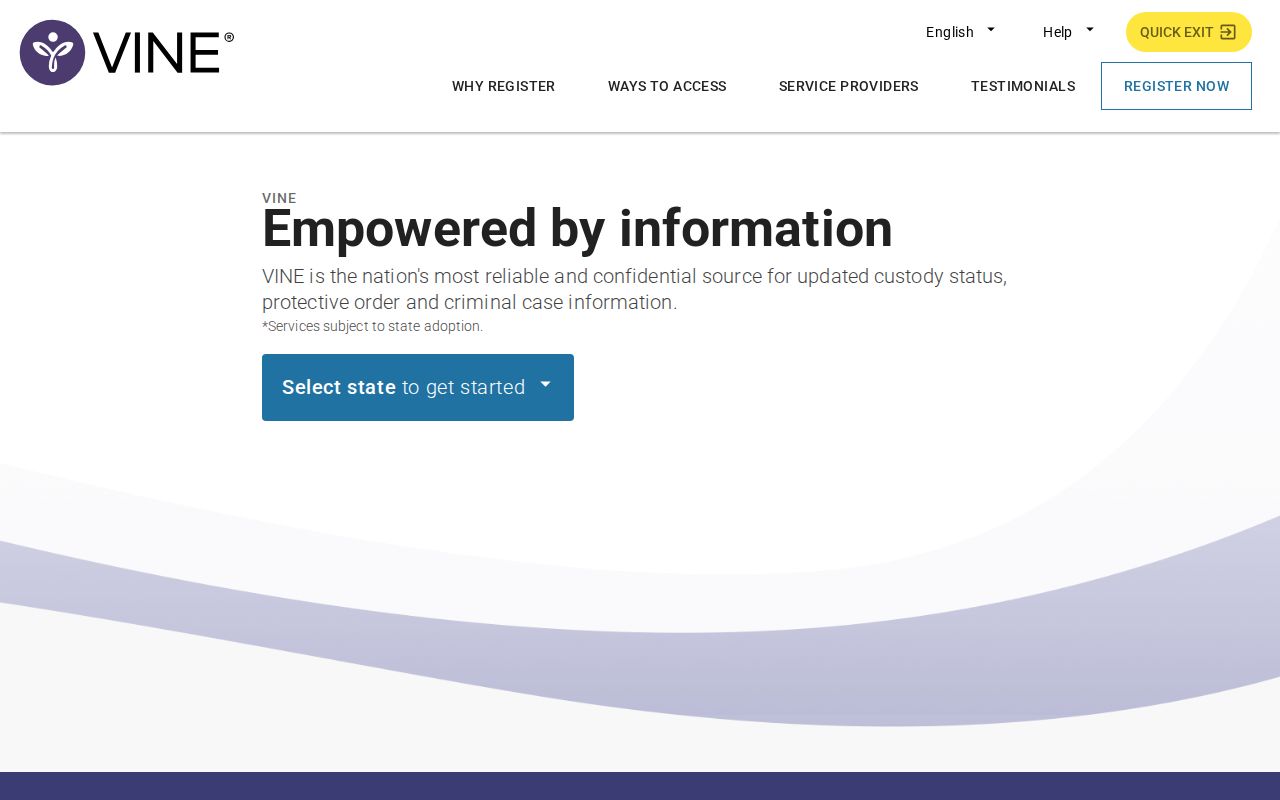
Pick the right state and county first. That keeps a same-name result from another jurisdiction from being mistaken for a Lafayette arrest.
What VINELink Shows After an Arrest
The display changes over time. Still, results center on identity and custody status rather than the full police narrative.
| Result element | Meaning |
|---|---|
| Name and identifying details | Helps distinguish matches |
| Record or offender identifier | Links later checks to the same custody record |
| Facility or agency | Shows which system supplied the status |
| Custody status | States whether the record reports current custody or a change |
| Notification option | Allows registration where available |
| Update information | Shows when the displayed status was supplied |
VINE is not the arresting officer's report, and it doesn't decide the charge. Turn to the agency record for the arrest event and WCCA for the court outcome.
How to Register for Custody Alerts
Registration stays optional and confidential. It spares you repeated manual checks whenever a known custody record changes.
- Open the correct person’s VINE record.
- Choose the registration or notification control.
- Select phone, text, or email when the option is available.
- For phone registration, create a four-digit PIN that can be recalled safely.
- Complete the confirmation steps and save the record details.
- Use the PIN to acknowledge automated calls. Calls may continue for up to 24 hours until the correct PIN is entered.
Call the helpline at 1-888-WI 4 VINE, or 1-888-944-8463. It runs around the clock. Language support covers many tongues, though alerts depend on local event data and configured changes.
VINELink Limits and How to Confirm
VINE depends on the jail's management system. Booking entry can lag, and confidential or high-profile records may be blocked from view. Huber and electronic-monitoring cases sometimes use custom notice practices. Results shift after release or transfer, so note the date, time, state, and county you checked.
VINELink won't replace the BOP locator, ICE detainee locator, or a court docket. Federal custody lives in separate systems. DHS-VINE is distinct too. A failed county search doesn't rule out federal or immigration holds. For a fresh local event, try the same-day arrest check and confirm with the jail directly.
Public Record Search
Sponsored Results